Timeshift notes
Russell Bateman
December 2025
last update:
|
|
Timeshift notesRussell Bateman |
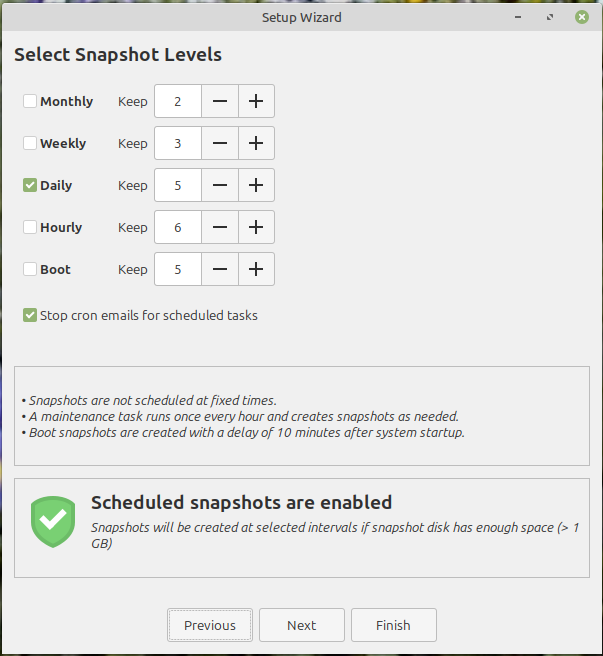
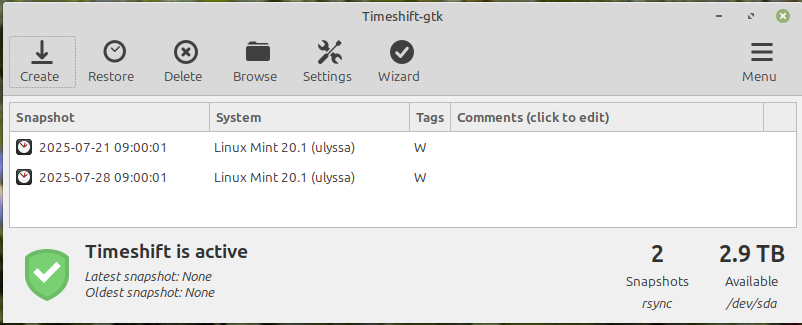
Timeshift is a utility that takes scheduled snapshots (back-ups) of a filesystem allowing the user of a computer to roll it back to a previous, working state should a bad update or configuration change break it.
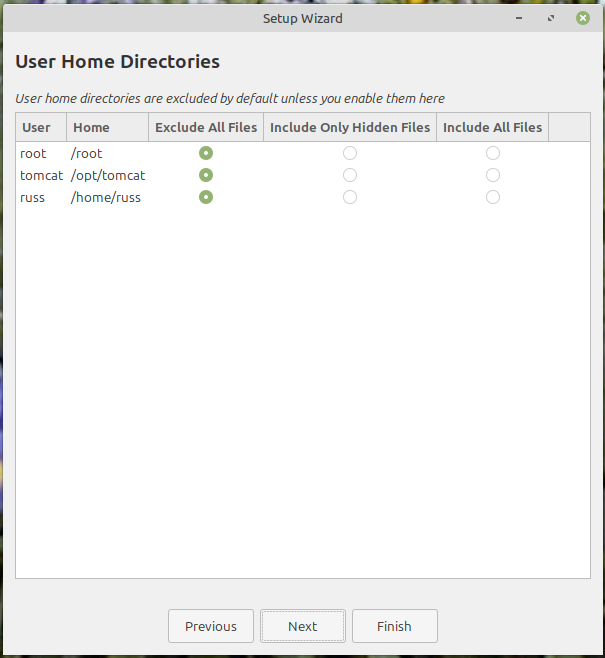
Timeshift focuses more on system files rather than personal documents.
It can be set up rather quickly: